Lenovo ThinkPad X1 Carbon Gen 13 vs Lenovo Yoga Slim 7i Gen 9
The Verdict
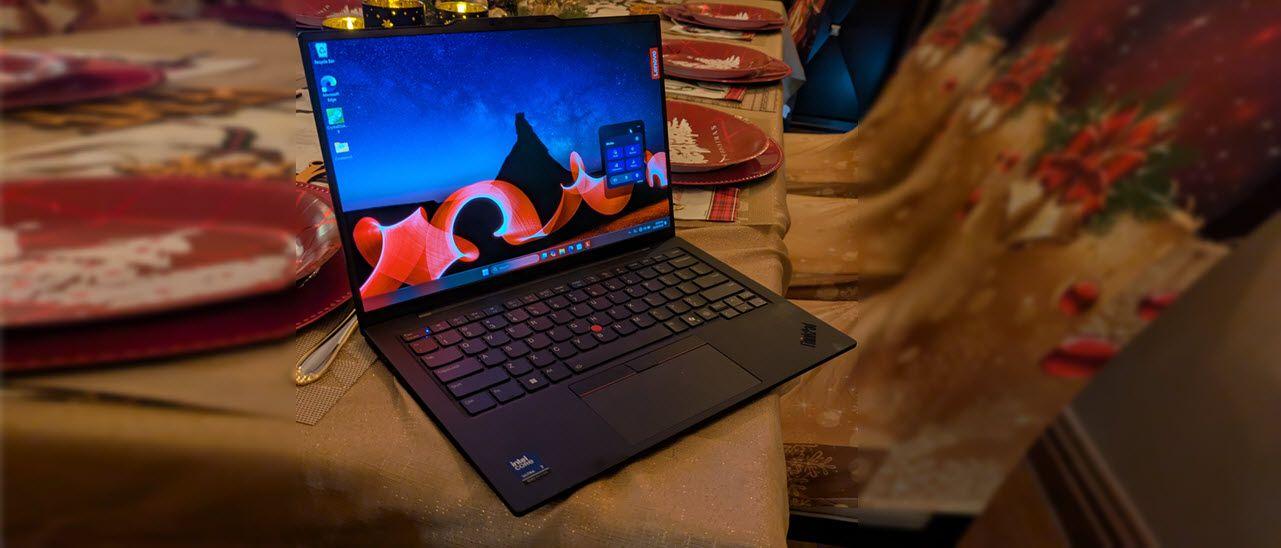
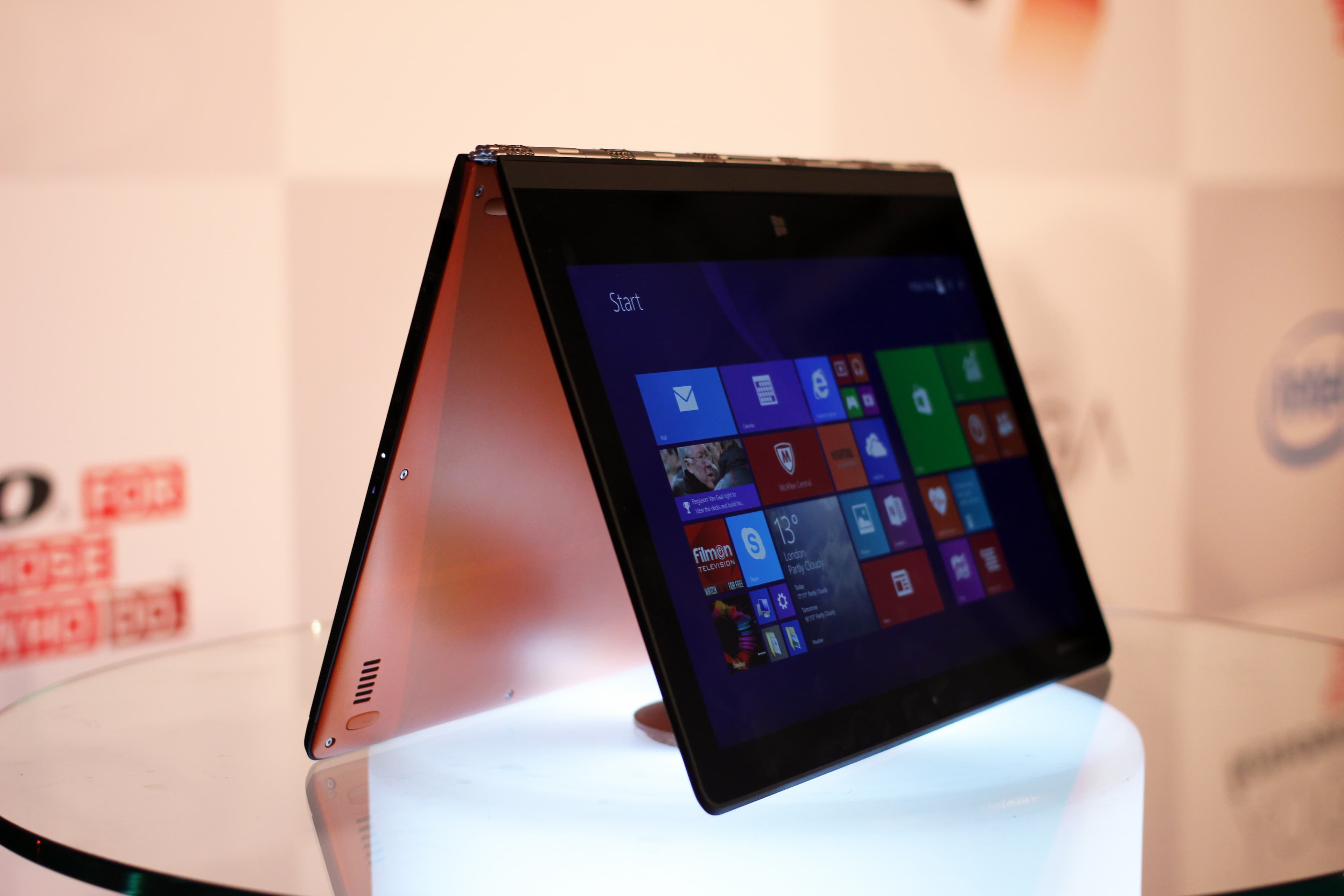
Both laptops excel in different areas, making the choice dependent on priorities. ThinkPad X1 Carbon Gen 13 delivers superior portability at 2.48 lbs with carbon fiber construction and exceptional keyboard quality favored by professionals, though it carries a $250 premium. Yoga Slim 7i Gen 9 counters with a stunning 2880x1800 OLED 120Hz touchscreen versus the X1's 1920x1200 IPS panel, plus double the storage (1TB vs 512GB) and more GPU cores from its 16-core Intel Core Ultra 7 155H processor. Battery performance remains competitive for both (15 vs 14 hours). The X1 Carbon edges ahead for business users seeking ultimate durability and typing comfort, while the Yoga Slim 7i provides superior value with modern display tech and faster GPU performance at a lower price point. Choose the ThinkPad for professional engineering and build quality; select the Yoga for creative work and display excellence.
Who Should Buy
Buy the Lenovo ThinkPad X1 Carbon Gen 13 if…
- →Intel Core Ultra 7 with NPU for on-device AI processing
- →Under 2.5 lbs — one of the lightest 14-inch business laptops
- →ThinkPad keyboard remains the gold standard for typing
Buy the Lenovo Yoga Slim 7i Gen 9 if…
- →Stunning 2.8K OLED 120Hz display with vivid color
- →Sleek aluminum chassis with premium build quality
- →Strong Intel Core Ultra performance with NPU for AI
Category Scores
Pros & Cons
Lenovo ThinkPad X1 Carbon Gen 13
Pros
- Intel Core Ultra 7 with NPU for on-device AI processing
- Under 2.5 lbs — one of the lightest 14-inch business laptops
- ThinkPad keyboard remains the gold standard for typing
- MIL-STD-810H durability tested for enterprise reliability
- Built-in HDMI port eliminates the need for dongles
Cons
- FHD+ base display is disappointing at $1,449
- LPDDR5X RAM is soldered — not user-upgradeable
- No SD card reader for photographers
- Intel Core Ultra efficiency modes can occasionally stutter
Lenovo Yoga Slim 7i Gen 9
Pros
- Stunning 2.8K OLED 120Hz display with vivid color
- Sleek aluminum chassis with premium build quality
- Strong Intel Core Ultra performance with NPU for AI
- Generous 70 Wh battery delivers solid all-day life
Cons
- Soldered RAM cannot be upgraded later
- Limited port selection (no full-size SD card slot)
- Fans can spin up audibly under sustained loads
- OLED display can be reflective in bright environments
Full Specifications
| Spec | Lenovo ThinkPad X1 Carbon Gen 13 | Lenovo Yoga Slim 7i Gen 9 |
|---|---|---|
| Software | Windows 11 Pro | Windows 11 Home |
| Body | ||
| Weight | 2.48 lbs (1.12 kg) | 1.5 kg |
| Material | Carbon fiber and magnesium | Aluminum |
| Dimensions | 12.4 x 8.76 x 0.59 inches | 325.3 x 226.9 x 14.9 mm |
| Ports | ||
| HDMI | 1 | |
| USB-C ports | 2 | 2 |
| SD card | ||
| Thunderbolt ports | 2 | 2 |
| USB-A ports | — | 1 |
| Battery | ||
| Battery life | Up to 15 hours | Up to 14 hours |
| Capacity | 57 Wh | 70 Wh |
| Display | ||
| Size | 14 inches | 14.5 inches |
| Type | IPS anti-glare | OLED touchscreen |
| Resolution | 1920 x 1200 | 2880 x 1800 |
| Refresh rate | 60Hz | 120Hz |
| Brightness (nits) | 400 | 400 |
| Storage | ||
| SSD | 512 GB PCIe Gen 4 NVMe | 1 TB |
| Expandable storage | ||
| Keyboard | ||
| Backlit | ||
| Processor | ||
| RAM | 16 GB | 16 GB LPDDR5X |
| Cores | 8 cores (4P + 4E) | 16 cores |
| Chipset | Intel Core Ultra 7 265V | Intel Core Ultra 7 155H |
Related Comparisons
This comparison is based on verified manufacturer specifications covering display, performance, camera, battery, and build quality. Scores are generated by analyzing specs across weighted categories on a 10-point scale. Learn more about our methodology.
Explore more in laptops, see all Lenovo products or all Lenovo products. View full details for the Lenovo ThinkPad X1 Carbon Gen 13 or the Lenovo Yoga Slim 7i Gen 9.