Huion Kamvas Pad 12 vs Poco Pad C1
How They Compare
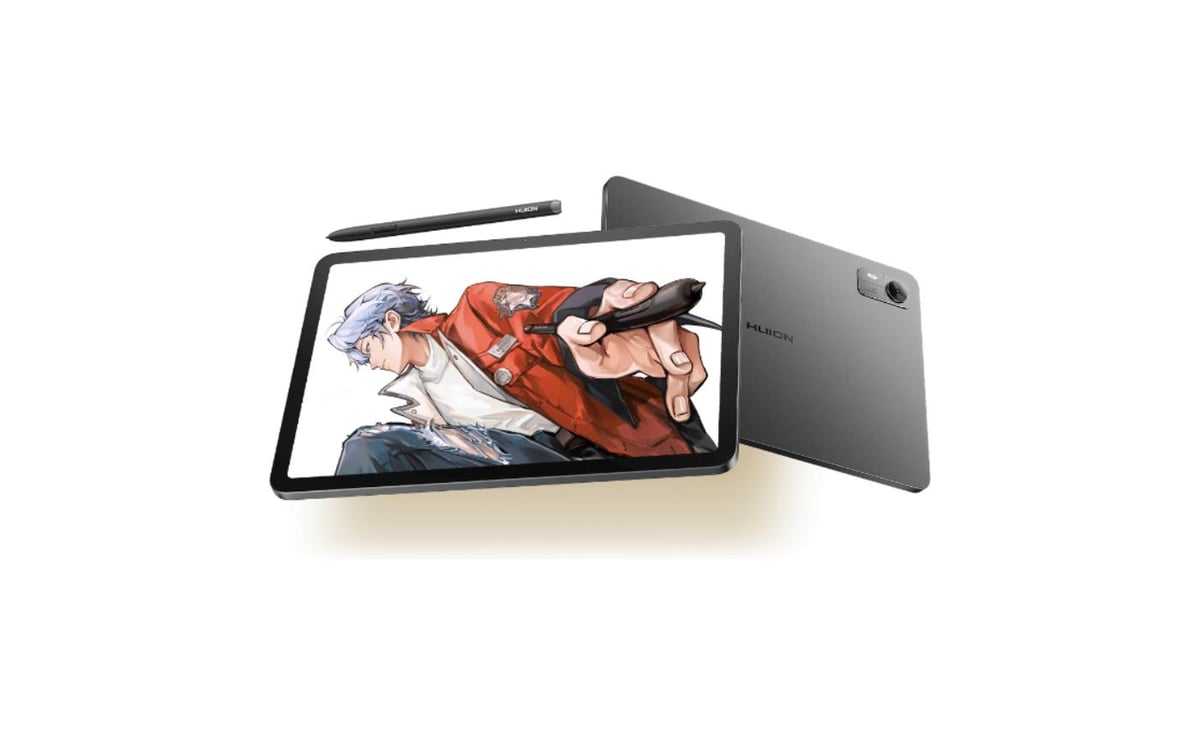
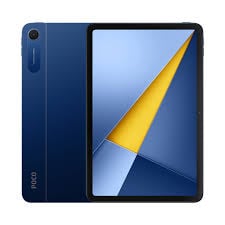
The Huion Kamvas Pad 12 and Poco Pad C1 sit in the same category and end up appealing to slightly different buyers. The Poco Pad C1 is the cheaper of the two at $139 versus $499, a difference of about $360. The spec table below ranks 6 of their differences, and they do not all point the same way: the Huion Kamvas Pad 12 wins on battery capacity (8000 mAh vs 7,600 mAh) and screen size (12.2-inch vs 9.7-inch), the Poco Pad C1 on refresh rate (120Hz vs 90Hz) and weight (406g vs 665g). The pros lists below lead with — Huion Kamvas Pad 12: Standalone Android tablet, no host computer needed for drawing; Poco Pad C1: 120Hz display refresh rate is smooth for a budget tablet at this price tier. Use the side-by-side spec table below to compare display, processor, battery and storage in detail and decide which one fits your priorities.
Who Should Buy
Buy the Huion Kamvas Pad 12 if…
- →Standalone Android tablet, no host computer needed for drawing
- →16,384 pressure levels with a battery-free EMR pen
- →99% sRGB on a laminated 3:2 panel suited to art work
Buy the Poco Pad C1 if…
- →120Hz display refresh rate is smooth for a budget tablet at this price tier
- →Slim 7.4mm profile and 406g weight make it comfortable to hold for extended use
- →600-nit peak brightness improves outdoor visibility compared to typical budget LCD tablets
Pros & Cons
Huion Kamvas Pad 12
Pros
- Standalone Android tablet, no host computer needed for drawing
- 16,384 pressure levels with a battery-free EMR pen
- 99% sRGB on a laminated 3:2 panel suited to art work
- microSD expansion and a 8,000 mAh battery
Cons
- 350 nits peak is dim for outdoor or bright-room use
- MediaTek Genio 720 is weak next to mainstream tablet silicon
- 665g is heavy to hold while drawing
- Android art app support is thinner than iPadOS
Poco Pad C1
Pros
- 120Hz display refresh rate is smooth for a budget tablet at this price tier
- Slim 7.4mm profile and 406g weight make it comfortable to hold for extended use
- 600-nit peak brightness improves outdoor visibility compared to typical budget LCD tablets
Cons
- 18W charging is slow for a 7,600 mAh battery, expect long charge times
- Snapdragon 6s 4G Gen 2 lacks 5G support, limiting future connectivity options
Full Specifications
| Spec | Huion Kamvas Pad 12 | Poco Pad C1 |
|---|---|---|
| Software | Android 16 | Android |
| Body | ||
| Overview | — | 226.51 x 147.97 x 7.4 mm, 406g, available in Blue and Grey |
| Weight | 665g | 406g |
| Dimensions | 281.5 x 195.5 x 7.8 mm | 226.51 x 147.97 x 7.4 mm |
| Tilt | 60 degrees | — |
| Stylus | PW600C, PenTech 4.0, battery-free EMR | — |
| Battery | ||
| Overview | — | 7,600 mAh, 18W wired charging |
| Capacity | 8000 mAh | 7,600 mAh |
| Cameras | ||
| Rear | 13MP | — |
| Front camera | 8MP | — |
| Display | ||
| Overview | 12.2-inch laminated LCD, 2400 x 1600, 3:2 | 9.7-inch LCD, 2048x1280 resolution, 120Hz refresh rate, 180Hz touch sampling rate, 600-nit peak brightness |
| Size | 12.2-inch | 9.7-inch |
| Type | LCD | LCD |
| Resolution | 2400 x 1600 | 2048x1280 |
| Refresh rate | 90Hz | 120Hz |
| Brightness (nits) | 350 nits | — |
| Storage | ||
| Storage options | 256GB | 64GB, 128GB |
| Speakers | quad speakers | — |
| Processor | ||
| RAM | 8GB | — |
| Chipset | MediaTek Genio 720 (6nm) | Qualcomm Snapdragon 6s 4G Gen 2 |
| Color Gamut | 99% sRGB | — |
| Report Rate | 260 PPS | — |
| Connectivity | ||
| Overview | — | 4G LTE, Wi-Fi, Bluetooth |
| Bluetooth | 5.4 | — |
| Cellular | Not stated | |
| Pen Resolution | 5800 LPI | — |
| Pressure Levels | 16384 | — |
| Expandable Storage | microSD | — |
Want to compare a third product?
Add another product for a 3-way comparison.
Related Comparisons
Explore more in tablets, see all Huion products or all Poco products. View full details for the Huion Kamvas Pad 12 or the Poco Pad C1.