ASUS ProArt StudioBook 16 vs Dell XPS 16 (9640)
Updated Apr 2026
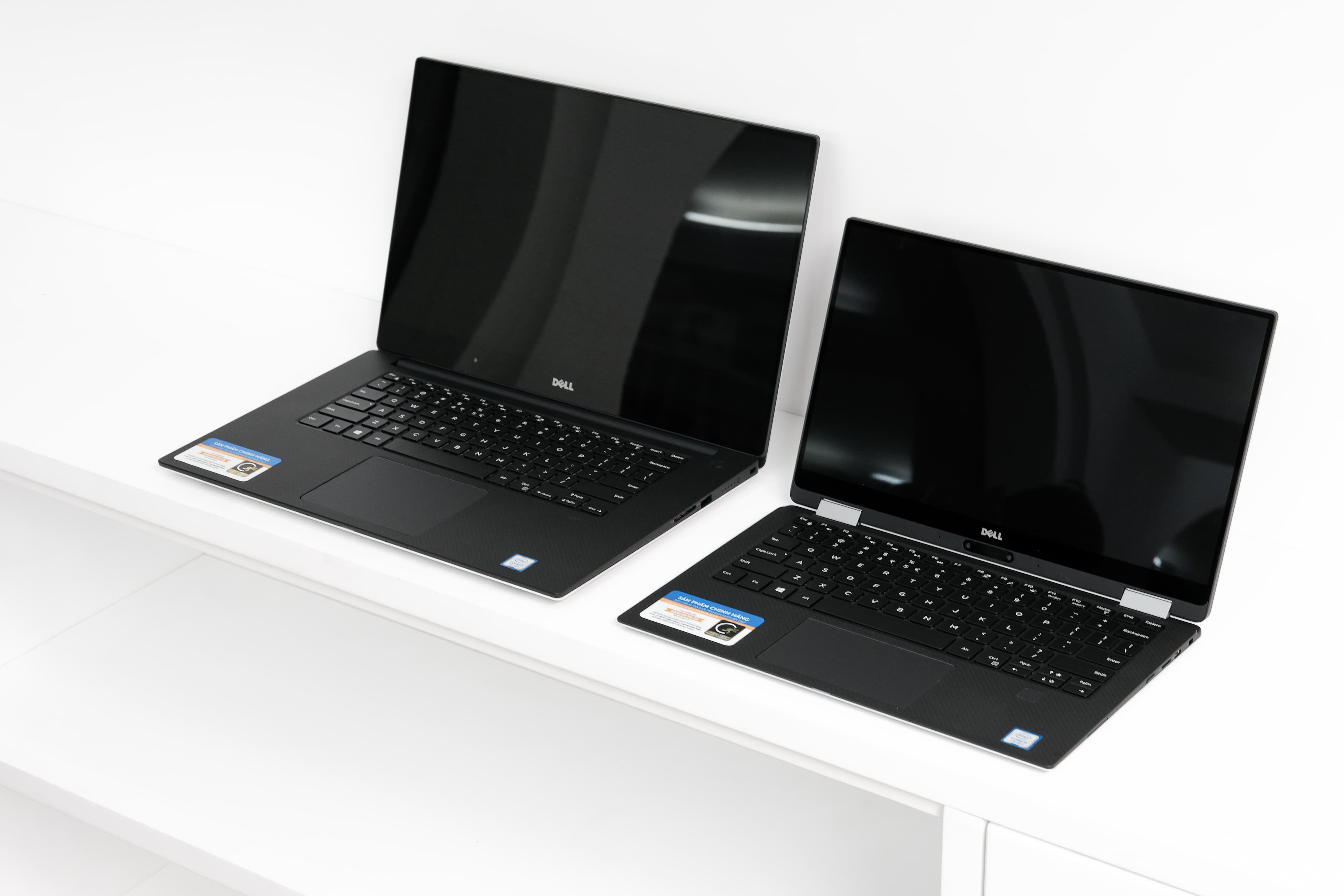
The Verdict
ASUS ProArt StudioBook 16 dominates creative professionals with its superior 3.2K OLED Pro touch display (120Hz, 550 nits) versus Dell's 1920x1200 IPS panel, plus the powerhouse Intel Core i9-14900HX with 32GB DDR5 RAM and 24 cores crushes the Core Ultra 7 155H's 16 cores. Storage starts at 1TB versus Dell's 512GB. However, Dell XPS 16 counters with exceptional 13-hour battery life, lighter weight at 2.13kg, and $600 lower price tag—making it ideal for mobile professionals prioritizing portability. ASUS includes 2 Thunderbolt ports and SD card reader versus Dell's single Thunderbolt 3. For video editors, 3D designers, and color-critical work, ASUS's OLED display and raw processing power justify the premium. For general productivity and road warriors, Dell delivers better value and endurance.
Category Scores
Pros & Cons
ASUS ProArt StudioBook 16
Pros
- Factory-calibrated 3.2K OLED display with Pantone validation
- RTX 4070 handles GPU-intensive creative workloads
- ASUS Dial rotary knob for creative app control
- Full port selection including SD card and Thunderbolt
- Windows 11 Pro with professional software bundles
Cons
- High price targets a narrow professional audience
- Heavy at 1.85 kg despite sleek appearance
- Battery life drops under sustained GPU use
- Thunderbolt ports share bandwidth with USB-A
- Runs warm under sustained i9 load
Dell XPS 16 (9640)
Pros
- Premium CNC aluminum chassis with edge-to-edge keyboard
- Optional 4K OLED touch display available
- Powerful Core Ultra and RTX 4050-4070 GPU options
- Large 99.5 Wh battery
- Three Thunderbolt 4 ports
Cons
- No USB-A, HDMI, or SD card slot
- Capacitive touch function row is divisive
- Invisible haptic trackpad takes adjustment
- Heavy and runs hot under load
- Mediocre battery life with discrete GPU
Full Specifications
| Spec | ASUS ProArt StudioBook 16 | Dell XPS 16 (9640) |
|---|---|---|
| Software | Windows 11 Pro | Windows 11 Home |
| Body | ||
| Weight | 1.85 kg | 2.13 kg |
| Material | Anodized aluminum | CNC aluminum and carbon fiber |
| Dimensions | 355.4 x 252.1 x 18.9 mm | 358.1 x 240.1 x 18.7 mm |
| Ports | ||
| HDMI | 1 | — |
| USB-A ports | 3 | — |
| USB-C ports | 1 | — |
| SD card | ||
| Thunderbolt ports | 2 | 3 |
| Battery | ||
| Battery life | Up to 8 hours mixed use | Up to 13 hours mixed use |
| Capacity | 90 Wh | 99.5 Wh |
| Display | ||
| Size | 16.0 inches | 16.3 inches |
| Type | 3.2K OLED Pro touch | InfinityEdge IPS non-touch |
| Resolution | 3200 x 2000 | 1920 x 1200 |
| Refresh rate | 120Hz | 60Hz |
| Brightness (nits) | 550 | 500 |
| Storage | ||
| SSD | 1 TB NVMe | 512 GB NVMe |
| Expandable storage | ||
| Keyboard | ||
| Backlit | ||
| Touch Bar | — | |
| Processor | ||
| RAM | 32 GB DDR5 | 16 GB LPDDR5x |
| Cores | 24-core (8P+16E) | 16-core (6P+8E+2LPE) |
| Chipset | Intel Core i9-14900HX | Intel Core Ultra 7 155H |
Related Comparisons
This comparison is based on verified manufacturer specifications covering display, performance, camera, battery, and build quality. Scores are generated by analyzing specs across weighted categories on a 10-point scale. Learn more about our methodology.
Explore more in laptops, see all ASUS products or all Dell products. View full details for the ASUS ProArt StudioBook 16 or the Dell XPS 16 (9640).