aiwa tab WS12-2 vs XPPen Artist Ultra 14
How They Compare
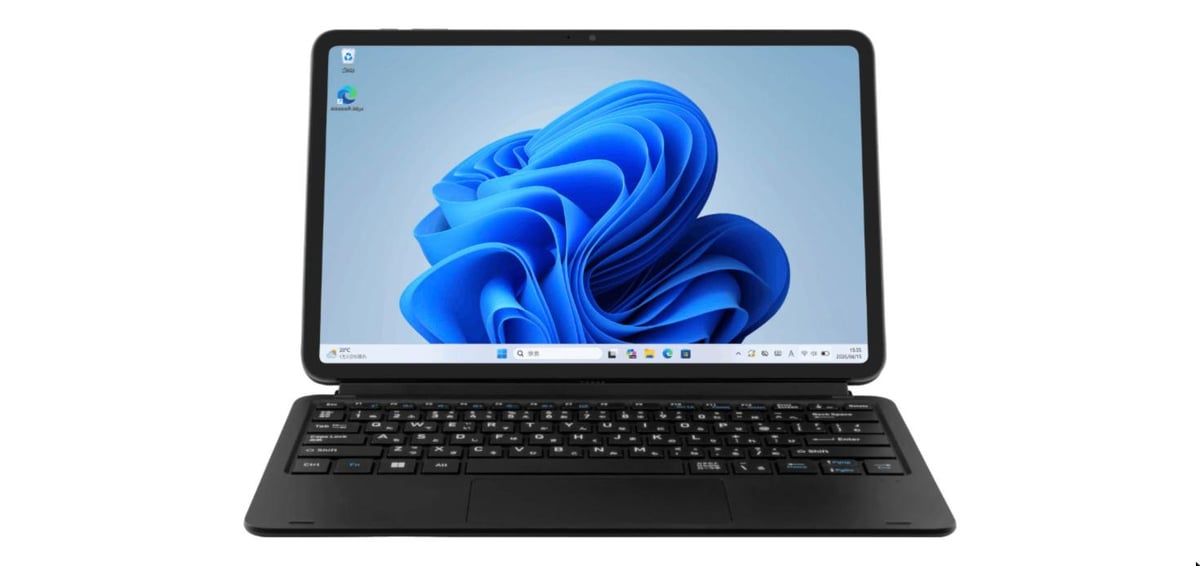
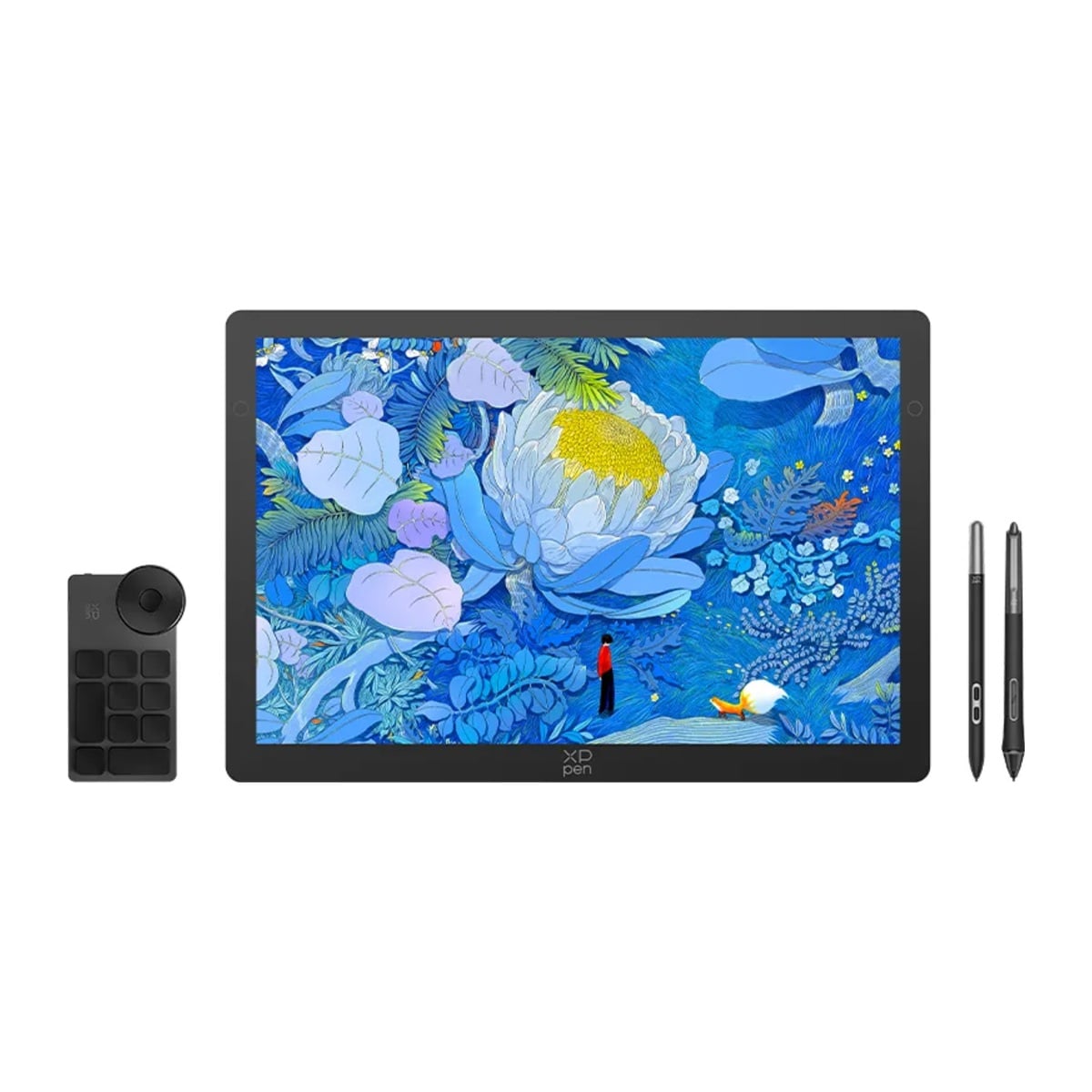
The aiwa tab WS12-2 and XPPen Artist Ultra 14 sit in the same category and end up appealing to slightly different buyers. The aiwa tab WS12-2 is the cheaper of the two at $632 versus $700, a difference of about $68. The spec table below ranks 3 of their differences, and they do not all point the same way — the aiwa tab WS12-2 wins 1 of them and the XPPen Artist Ultra 14 2. The pros lists below lead with — aiwa tab WS12-2: Keyboard and stand cover included in the box; XPPen Artist Ultra 14: 2.8K AMOLED with 99 percent DCI-P3 coverage. Use the side-by-side spec table below to compare display, connectivity and body in detail and decide which one fits your priorities.
Who Should Buy
Buy the aiwa tab WS12-2 if…
- →Keyboard and stand cover included in the box
- →USB-A, two USB-C and microHDMI on the tablet itself
- →Windows 11 Pro for business deployment
Buy the XPPen Artist Ultra 14 if…
- →2.8K AMOLED with 99 percent DCI-P3 coverage
- →16,384 pressure levels and two styli in the box
- →6mm at its thinnest and 720g
Pros & Cons
aiwa tab WS12-2
Pros
- Keyboard and stand cover included in the box
- USB-A, two USB-C and microHDMI on the tablet itself
- Windows 11 Pro for business deployment
- Large 11.97-inch 2000 x 1200 touchscreen
Cons
- Short battery life of about 4.5 hours of video
- Entry-level Intel N100 with 8 GB RAM and 128 GB storage
- No LTE option, unlike the smaller WS10L-2
- Sold only to businesses in Japan
XPPen Artist Ultra 14
Pros
- 2.8K AMOLED with 99 percent DCI-P3 coverage
- 16,384 pressure levels and two styli in the box
- 6mm at its thinnest and 720g
- Two full-featured USB-C ports
Cons
- Not a standalone device, it needs a host computer
- 350 nits is modest for an OLED
- No built-in stand in the base package
- MSRP of USD 699.99 puts it against much cheaper rivals
Full Specifications
| Spec | aiwa tab WS12-2 | XPPen Artist Ultra 14 |
|---|---|---|
| Software | Windows 11 Pro (64-bit) | — |
| Body | ||
| Color | Medium Silver | — |
| In Box | Tablet, detachable keyboard (80-key Japanese layout, pantograph), cover with stand, 45 W AC adapter | — |
| Weight | 705 g (tablet), 1,187 g with keyboard and cover | 720g |
| Dimensions | 278.8 x 174.3 x 9.5 mm | 330.4 x 221.6 x 6.0 to 8.0mm |
| Form factor | Detachable 2-in-1 tablet with keyboard | — |
| Battery | ||
| Battery life | Up to 4.5 hours video playback, about 8 hours idle | — |
| Capacity | 4,400 mAh | — |
| Charging | 45 W, about 2 hours with the tablet switched off | — |
| Cameras | ||
| Rear | 8 MP autofocus | — |
| Front camera | 5 MP | — |
| Display | ||
| Overview | — | 14-inch AMOLED 2880 x 1800, 16:10, 90Hz, 10-bit, 1.07 billion colours, 350 nits, 100000:1, under 1ms |
| Size | 11.97 inches | 14-inch |
| Type | IPS touchscreen | AMOLED |
| Resolution | 2000 x 1200 pixels | 2880 x 1800 |
| Refresh rate | — | 90Hz |
| Brightness (nits) | — | 350 nits |
| Storage | ||
| Storage options | 128 GB | — |
| Processor | ||
| GPU | Intel UHD Graphics | — |
| RAM | 8 GB | — |
| Chipset | Intel N100 (4 cores, 4 threads, up to 3.4 GHz) | — |
| Connectivity | ||
| Overview | — | Two full-featured USB-C ports, 12V 2.5A power |
| USB | 1x USB-A and 2x USB-C (all USB 3.2 Gen 1), one USB-C with Power Delivery and display output | Two full-featured USB-C ports |
| Wi-Fi | Wi-Fi 5 (802.11ac) | — |
| Audio | 3.5 mm headphone jack, 2x 1 W speakers | — |
| Video | microHDMI | — |
| Cellular | None | — |
| Bluetooth | 5.0 | — |
| Pen | — | 16,384 pressure levels, 60 degree tilt, 10mm reading height; X3 Pro Smart Chip and X3 Pro Slim styli included |
| Type | — | Pen display, requires a host computer over USB-C, no built-in OS |
| Colour | — | 99 percent Adobe RGB, 99 percent sRGB, 99 percent DCI-P3 |
Want to compare a third product?
Add another product for a 3-way comparison.
Related Comparisons
Explore more in tablets, see all Aiwa products or all XPPen products. View full details for the aiwa tab WS12-2 or the XPPen Artist Ultra 14.