Acer Swift Go 16 (SFG16-72, 2024) vs Dell XPS 16 (9640)

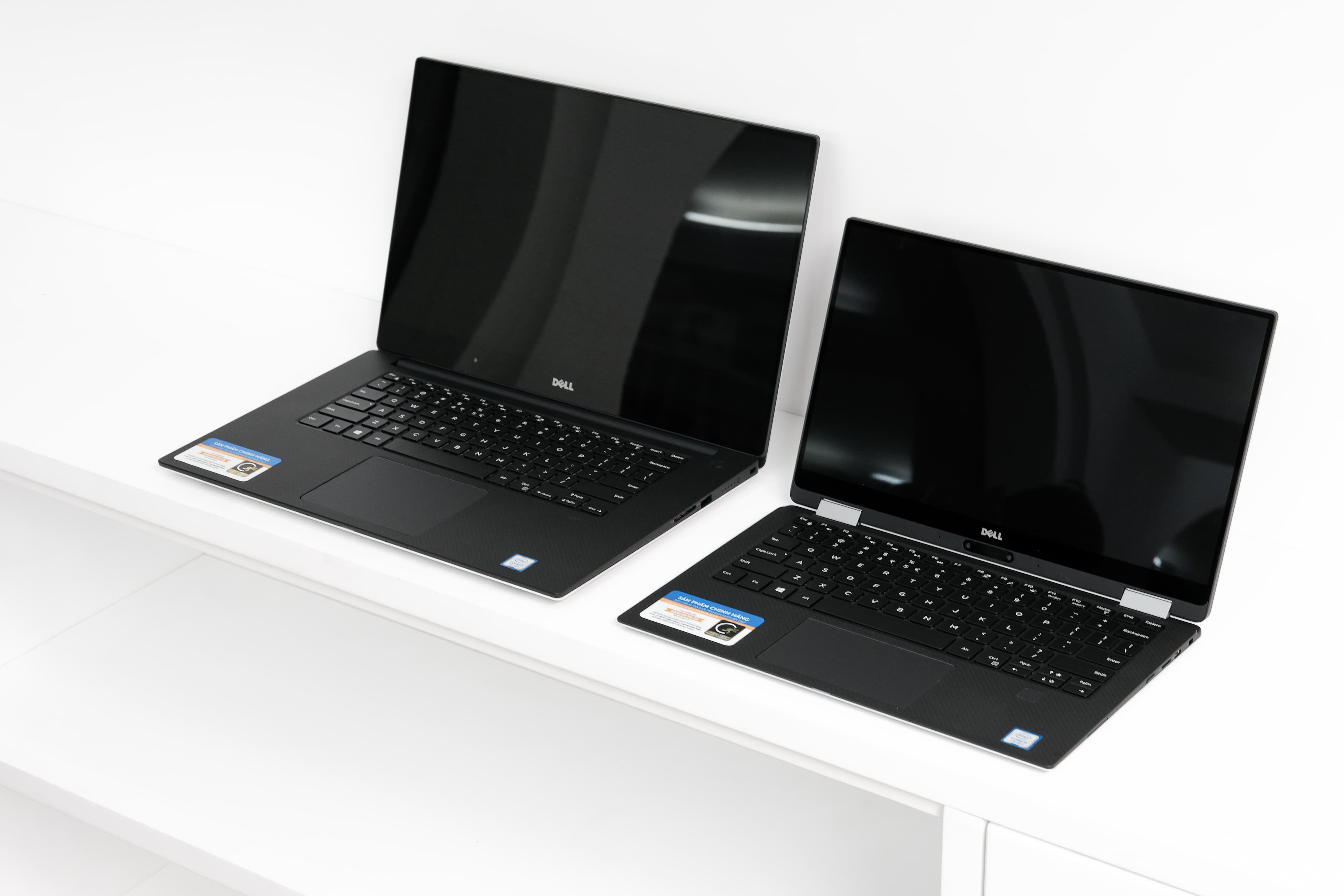
The Verdict
Both laptops share the same Intel Core Ultra 7 155H processor and 16GB RAM, but diverge significantly in display technology and overall value. Acer's Swift Go 16 impresses with a vibrant 3200 x 2000 OLED panel at 120Hz, delivering superior color accuracy and responsiveness ideal for creative work, while the Dell XPS 16 opts for a lower-resolution 1920 x 1200 IPS display at 60Hz despite costing double. Dell compensates with a larger 99.5Wh battery promising 13 hours versus Acer's 12.5 hours, plus premium build quality combining aluminum and carbon fiber. However, Acer weighs just 1.5kg compared to Dell's 2.13kg, and includes dual Thunderbolt ports plus SD card slot for professionals. At $899, the Acer Swift Go 16 delivers exceptional value with cutting-edge display technology, superior portability, and comparable performance. The Dell justifies premium pricing through build materials and battery capacity, but struggles to overcome its resolution disadvantage. For most users seeking performance-per-dollar, Acer wins decisively.
Who Should Buy
Buy the Acer Swift Go 16 (SFG16-72, 2024) if…
- →Sharp 3.2K 120Hz OLED display
- →Affordable for a Core Ultra OLED laptop
- →Generous port selection including SD card reader
Buy the Dell XPS 16 (9640) if…
- →Premium CNC aluminum chassis with edge-to-edge keyboard
- →Optional 4K OLED touch display available
- →Powerful Core Ultra and RTX 4050-4070 GPU options
Category Scores
Pros & Cons
Acer Swift Go 16 (SFG16-72, 2024)
Pros
- Sharp 3.2K 120Hz OLED display
- Affordable for a Core Ultra OLED laptop
- Generous port selection including SD card reader
- Lightweight for a 16-inch laptop
- Solid 1080p IR webcam
Cons
- Speakers are merely average
- Display brightness lower than competitors
- Soldered RAM limits upgradability
- Plastic deck flex on the keyboard
Dell XPS 16 (9640)
Pros
- Premium CNC aluminum chassis with edge-to-edge keyboard
- Optional 4K OLED touch display available
- Powerful Core Ultra and RTX 4050-4070 GPU options
- Large 99.5 Wh battery
- Three Thunderbolt 4 ports
Cons
- No USB-A, HDMI, or SD card slot
- Capacitive touch function row is divisive
- Invisible haptic trackpad takes adjustment
- Heavy and runs hot under load
- Mediocre battery life with discrete GPU
Full Specifications
| Spec | Acer Swift Go 16 (SFG16-72, 2024) | Dell XPS 16 (9640) |
|---|---|---|
| Software | Windows 11 Home | Windows 11 Home |
| Body | ||
| Weight | 1.5 kg | 2.13 kg |
| Material | Aluminum | CNC aluminum and carbon fiber |
| Dimensions | 358 x 248.5 x 15.9 mm | 358.1 x 240.1 x 18.7 mm |
| Ports | ||
| HDMI | 1 | — |
| USB-A ports | 2 | — |
| USB-C ports | 0 | — |
| SD card | ||
| Thunderbolt ports | 2 | 3 |
| Battery | ||
| Battery life | Up to 12.5 hours | Up to 13 hours mixed use |
| Capacity | 65 Wh | 99.5 Wh |
| Display | ||
| Size | 16 inches | 16.3 inches |
| Type | OLED, 16:10 | InfinityEdge IPS non-touch |
| Resolution | 3200 x 2000 | 1920 x 1200 |
| Refresh rate | 120Hz | 60Hz |
| Brightness (nits) | 400 | 500 |
| Storage | ||
| SSD | 1 TB PCIe 4.0 NVMe | 512 GB NVMe |
| Expandable storage | ||
| Keyboard | ||
| Backlit | ||
| Processor | ||
| RAM | 16 GB LPDDR5X | 16 GB LPDDR5x |
| Cores | 16 cores (6P+8E+2LPE) | 16-core (6P+8E+2LPE) |
| Chipset | Intel Core Ultra 7 155H | Intel Core Ultra 7 155H |
Related Comparisons
This comparison is based on verified manufacturer specifications covering display, performance, camera, battery, and build quality. Scores are generated by analyzing specs across weighted categories on a 10-point scale. Learn more about our methodology.
Explore more in laptops, see all Acer products or all Dell products. View full details for the Acer Swift Go 16 (SFG16-72, 2024) or the Dell XPS 16 (9640).