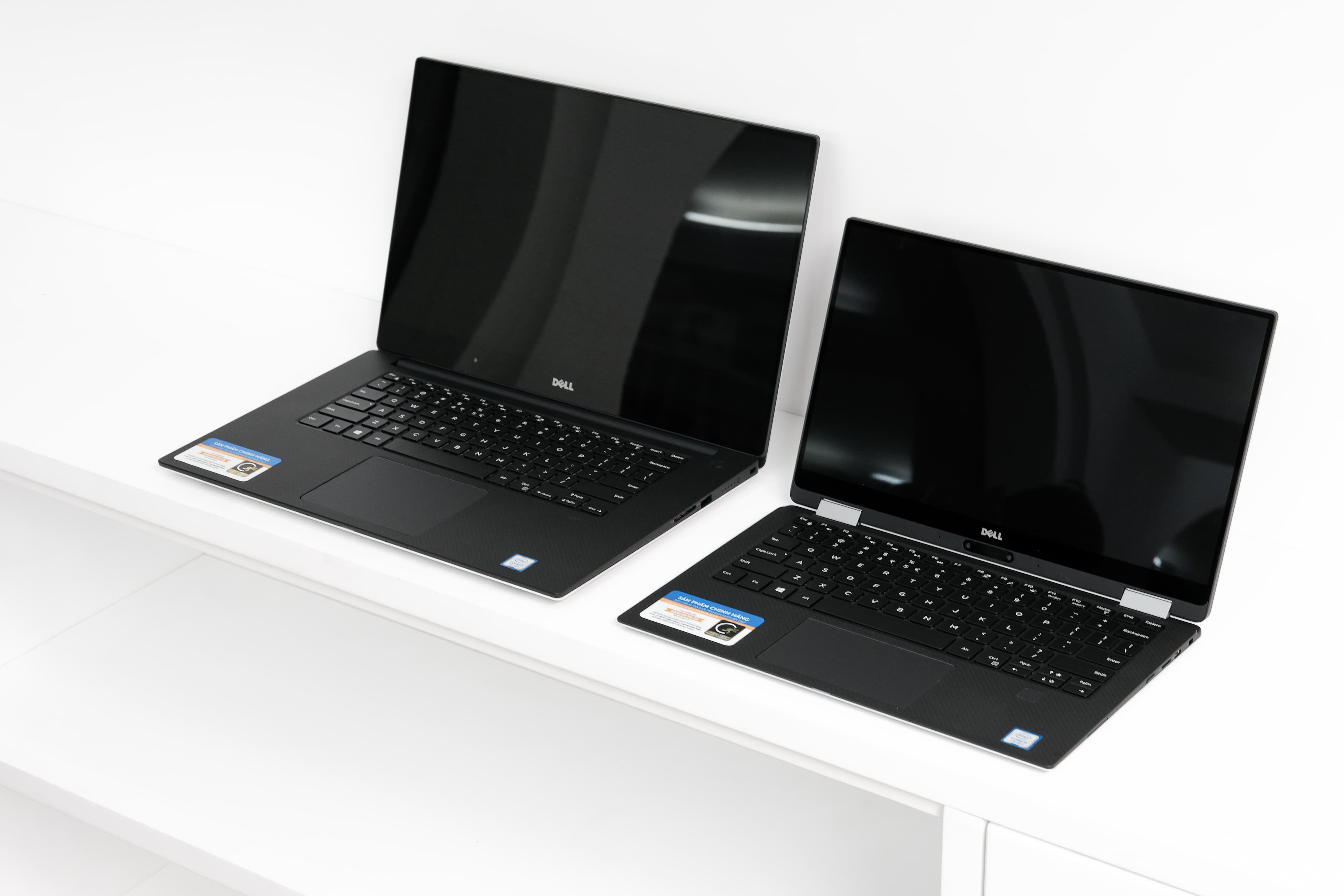
Acer Nitro V 15 vs Dell XPS 16 (9640)
Acer's Nitro V 15 targets budget-conscious gamers with its 144Hz IPS display, Intel Core i5-13420H, and aggressive $699 price point, though it's hampered by modest 8GB DDR5 RAM, plastic construction, and just 6-hour battery life. Dell's XPS 16 positions itself as a premium productivity workhorse, featuring a larger 16.3-inch InfinityEdge display with superior 500-nit brightness, Intel Core Ultra 7 155H with 16 cores, 16GB LPDDR5x RAM, and exceptional 13-hour battery endurance wrapped in premium aluminum/carbon fiber. While the Nitro excels for casual gaming thanks to its 144Hz refresh rate and lower weight, the XPS 16 dominates for professionals needing sustained performance, portability that doesn't sacrifice durability, and all-day battery reliability. Budget gamers should choose the Acer; anyone prioritizing longevity, build quality, and balanced performance across work and play should invest in the Dell.
Full Specifications
| Spec | Acer Nitro V 15 | Dell XPS 16 (9640) |
|---|---|---|
| Software | Windows 11 Home | Windows 11 Home |
| Body | ||
| Weight | 4.85 lbs (2.2 kg) | 2.13 kg |
| Material | Plastic | CNC aluminum and carbon fiber |
| Dimensions | 14.19 x 10.24 x 0.89 inches | 358.1 x 240.1 x 18.7 mm |
| Ports | ||
| HDMI | — | |
| USB-A ports | 2 | — |
| USB-C ports | 1 | — |
| SD card | ||
| Thunderbolt ports | — | 3 |
| Battery | ||
| Battery life | Up to 6 hours | Up to 13 hours mixed use |
| Capacity | 57 Wh | 99.5 Wh |
| Display | ||
| Size | 15.6 inches | 16.3 inches |
| Type | IPS | InfinityEdge IPS non-touch |
| Resolution | 1920 x 1080 | 1920 x 1200 |
| Refresh rate | 144Hz | 60Hz |
| Brightness (nits) | 300 | 500 |
| Storage | ||
| SSD | 512 GB PCIe Gen 4 NVMe | 512 GB NVMe |
| Expandable storage | ||
| Keyboard | ||
| Backlit | ||
| Processor | ||
| RAM | 8 GB DDR5 | 16 GB LPDDR5x |
| Cores | 8 cores (4P + 4E) | 16-core (6P+8E+2LPE) |
| Chipset | Intel Core i5-13420H | Intel Core Ultra 7 155H |
Category Scores
Pros & Cons
Acer Nitro V 15
Pros
- RTX 4050 Laptop GPU for 1080p gaming at under $700
- 144Hz display is smooth for competitive games
- Expandable storage and RAM slots for future upgrades
- Decent port selection with full-size HDMI
- Most affordable way to get RTX 40-series gaming performance
Cons
- Only 8 GB RAM — should be upgraded to 16 GB
- Plasticky build quality feels budget
- 300-nit display is dim and washes out in bright rooms
- Fan noise is loud during gaming sessions
Dell XPS 16 (9640)
Pros
- Premium CNC aluminum chassis with edge-to-edge keyboard
- Optional 4K OLED touch display available
- Powerful Core Ultra and RTX 4050-4070 GPU options
- Large 99.5 Wh battery
- Three Thunderbolt 4 ports
Cons
- No USB-A, HDMI, or SD card slot
- Capacitive touch function row is divisive
- Invisible haptic trackpad takes adjustment
- Heavy and runs hot under load
- Mediocre battery life with discrete GPU
Related Comparisons
Explore more in laptops, see all Acer products or all Dell products. View full details for the Acer Nitro V 15 or the Dell XPS 16 (9640).